How to use a story template
Templates arrive finished: plot, art, mood and length, in every language. Add your child's photo and name, and the book is ready to make.
zeStory Oct 18, 2026 1 min read
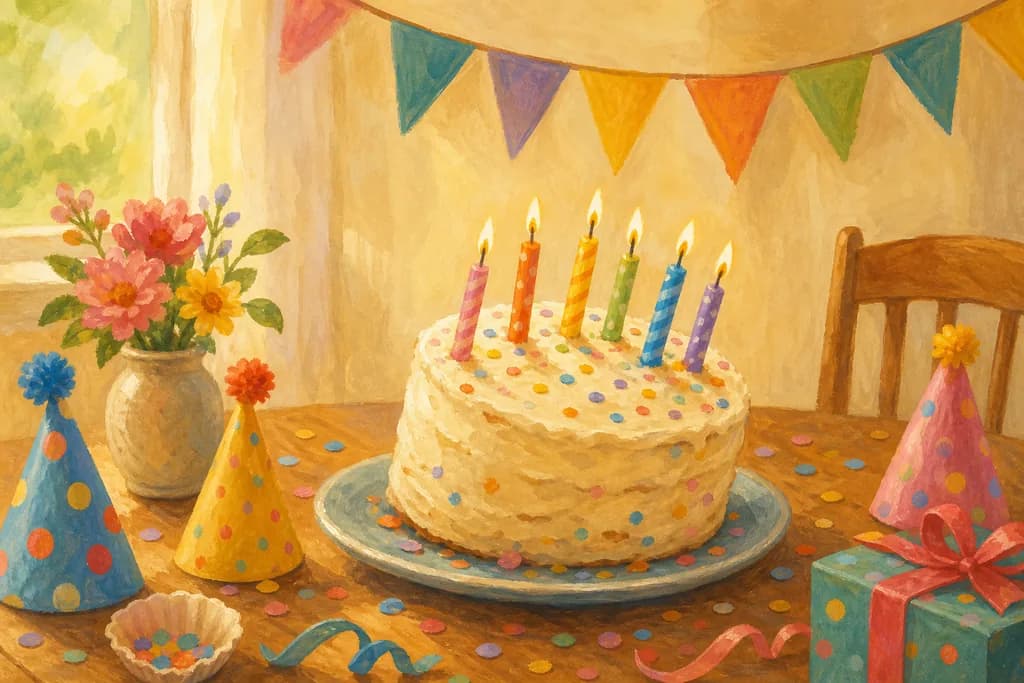
A template is a complete story: the plot, the art style, the mood and the length are set, in every language. You only add who it is about.
1. Open the template wall
Press Explore: it opens on the template wall, where each story's cover comes alive as you scroll past it.
Tip: The stories follow the days families care about: a first day at school, a birthday, a new baby, a visit to the grandparents and many more.
2. Find one in the creator
In the creator, tap one of the stories under Pick a story, or press Browse all … to search them all by name and category.
3. Use it
Tap a story to see it, then press Use this template. Its plot, look, mood and length fill in.
4. Add your child
Add your child's photo and name, and anyone else in the story. Everything else is already chosen.
Tip: You can still change the look, the length or the details before you create it.
5. Choose what you want made and create
Pick the book, the book with print files, or the book with its film, then press Generate my story.
Cost: A 12-page book: 81 coins (≈ $8.10). With the film: 273 coins (≈ $27.30) at Standard, 596 coins (≈ $59.60) at Premium.
What happens next
Templates are the quickest start of all. For a story nobody has written yet, choose instead.
Join the story circle
Share a thought
Be the first reader to leave a thoughtful note.
Related posts
How to record your own voice
Read a short passage aloud, and your voice can speak a character's lines in the story's film or read the book aloud.
What Character lock does
Character lock keeps each character's face and outfit the same in every clip of a Standard film, as Premium does.
How to make your story's film
Every page becomes a short moving scene in which the characters speak their lines, with music that fits the story.